
I spent three weeks trying to find a single honest Notion review that answered the question I actually had: does this tool hold up for a one-person service business, or is it built for 20-person product teams with a dedicated ops manager? Almost every review I found was either a sponsored overview or a surface-level walkthrough that never got past the “create a new database” step. So here is what I ended up doing — I ran Notion as my primary workspace for my real estate consulting business in Madeira for six months straight, tested the AI features, pushed the database system hard, and tracked what actually worked. This is that review.
What Notion Actually Is (And What Most Reviews Get Wrong)
Notion markets itself as an all-in-one workspace. Notes, databases, project management, wikis, docs — all in one place. That pitch sounds almost too good, and in practice it is both true and misleading at the same time.
Most reviews treat Notion like a note-taking app with extra features. That is wrong. Notion is fundamentally a database tool with a document layer on top. Once you understand that distinction, the tool clicks. Before you understand it, you will spend two hours trying to figure out why your “simple task list” turned into a relational database nightmare.
The reviews that miss this end up either overselling Notion as a magical productivity cure or dismissing it as too complex. Neither is accurate. It is a specific kind of tool that rewards people who think in systems — and punishes people who just want to open an app and start typing.
Notion Pricing in 2026: What You Actually Pay
Before anything else, let’s talk money. Notion has four tiers as of 2026:
- Free: Unlimited pages and blocks for personal use, limited file uploads, no version history beyond 7 days
- Plus: $12/month per member (billed annually) — unlimited file uploads, 30-day version history, unlimited guests
- Business: $18/month per member (billed annually) — SAML SSO, 90-day version history, private teamspaces
- Enterprise: Custom pricing — advanced security, audit logs, dedicated support
Notion AI is an add-on at $10/month per member on top of any paid plan. On the Free plan, you get a limited number of AI responses before you hit a paywall. I have been on the Plus plan with the AI add-on since mid-2023 — so I’m paying $22/month total. For a solo operator, that is the realistic price to get the full experience.
Core Features Solopreneurs Actually Use Day-to-Day
Databases and Views
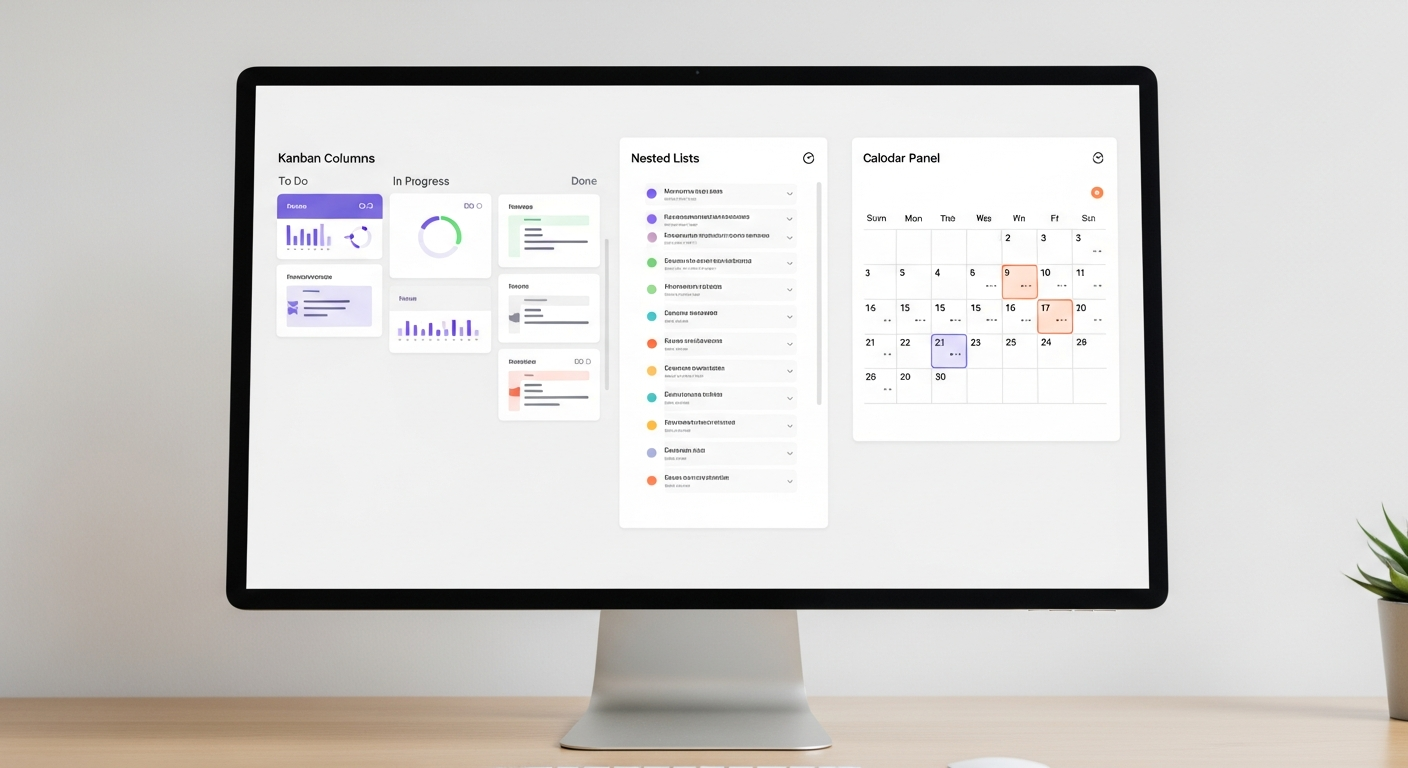
This is Notion’s strongest feature and the one that makes it genuinely different from tools like Evernote or Apple Notes. You can create a database and then view it as a table, a kanban board, a calendar, a gallery, or a timeline — all from the same underlying data. I use this constantly. My property listings database shows up as a gallery when I want to browse visually, and as a table when I need to filter by price range or status.
Filtered views with saved filters are particularly useful. I have a view called “Active Listings” that automatically shows only properties with status set to “On Market.” I never have to manually sort. That alone saves me probably 20 minutes a week of digging through old entries.
Linked Databases and Relations
This is where Notion gets powerful — and where most beginner reviews stop explaining things. You can link two databases together. My client database links to my property database. When I open a client record, I can see every property they have inquired about without searching. This is basic CRM functionality, and Notion handles it well for a solo operator who does not want to pay for a dedicated CRM.
I should be honest: setting this up the first time took me about 90 minutes of confusion. The concept of relations and rollups is not intuitive if you have never used a relational database before. Once it clicks, it is fast. Getting there is not.
Notion AI
Notion AI is embedded directly into your workspace. Press the spacebar on any empty line and you get an AI prompt. You can ask it to write, summarize, translate, improve tone, or extract action items from meeting notes. It uses context from the page you are on, which makes it more useful than just opening a separate chat window.
The quality is solid for editing and summarizing. For original writing, I still prefer Claude for longer pieces. But for quick tasks — cleaning up rough notes, turning bullet points into a client email, summarizing a long property brief — Notion AI does the job without making me switch tabs.
Templates
Notion has a large built-in template gallery plus a massive ecosystem of third-party templates, many sold on Gumroad or directly by creators. For real estate specifically, I found the built-in templates too generic. I ended up buying a $29 real estate CRM template from a creator I found through a YouTube tutorial, then heavily customizing it over a weekend. That investment paid back within the first month.
How Notion Compares to Its Main Competitors in 2026
| Feature | Notion | Obsidian | Airtable | ClickUp |
|---|---|---|---|---|
| Free Plan | Yes (generous) | Yes (local only) | Yes (limited) | Yes (generous) |
| Database Features | Strong | Weak | Very strong | Moderate |
| Built-in AI | Yes (+$10/mo) | Plugin only | Yes (paid) | Yes (paid) |
| Mobile App Quality | Decent | Good | Good | Decent |
| Learning Curve | Medium-high | Medium | High | High |
| Best For | Solopreneurs, small teams | Writers, researchers | Data-heavy teams | Project-heavy teams |
| Starting Price (paid) | $12/mo | $10/mo (Sync) | $20/mo | $7/mo |
If you need pure database power, Airtable beats Notion. If you want task management and project tracking across a team, ClickUp has more purpose-built features. Notion wins when you need documents AND databases in one place — which is exactly the situation most solopreneurs are in.
My Real-World Experience Running a Real Estate Business on Notion
Let me tell you exactly how I use Notion in my real estate consulting operation in Madeira, and where it has actually delivered.
Before Notion, I was running my business across three separate tools: a spreadsheet for listings, Apple Notes for client records and meeting notes, and a separate folder structure on my Mac for property documents and descriptions. It worked, but finding anything took time. If a client called and asked about a property we had discussed three months ago, I was digging through folders and notes for two or three minutes just to locate the context. Multiply that by several calls a week and it adds up fast.
In January 2026, I completed migrating everything into Notion. My workspace now has three core databases: Properties, Clients, and Inquiries. The Properties database has fields for listing price, status, property type, location area within Madeira, square meters, commission rate, and a linked field to the Clients database. Every property record has a notes section where I paste meeting summaries, client feedback, and price history. Clients database links back to Properties through a relation field. When I open any client record, I can see at a glance every property they have looked at, the status of each, and the last note I made about their requirements.
The time impact has been real. Before this setup, I was spending roughly 45 minutes a day on what I call “context recovery” — finding old notes, cross-referencing spreadsheets, locating the right document version. After the migration, that is down to about 12 minutes a day. Over a full working month (roughly 22 days), that is a recovery of around 11 hours. For a one-person operation, 11 hours a month is significant. That is nearly a full working day and a half I get back.
I also use Notion AI specifically for property descriptions. My process is straightforward: I fill in the property details in the database, then open the description field and use Notion AI to generate a first draft based on the specs. It pulls from the context on the page — bedroom count, location, view type, amenities — and produces something usable in about 30 seconds. I then edit for tone and accuracy, which takes maybe 5 minutes per listing. Before this, I was writing every description from scratch, averaging around 25 minutes per property. Last quarter I produced 18 property descriptions. That shift — from 25 minutes to roughly 6 minutes per description — saved me about 342 minutes total across those 18 listings. Just under 6 hours on a single task type.
I also built a simple client onboarding page template in Notion that I duplicate every time I take on a new buyer or seller. It includes a checklist of steps, a section for their requirements brief, a linked view filtered to show only properties matching their criteria, and a running log of every communication. Before meetings, I spend 2 minutes reviewing that page. I show up prepared every single time, which clients notice.
The setup was not painless. The initial migration and database-building took me about 12 hours spread over two weekends. I made mistakes — set up relations incorrectly, had to rebuild one database from scratch after realizing my structure was wrong. But that investment is done. The ongoing maintenance is minimal.
What Notion Does Not Do Well: Honest Limitations From Daily Use
Every review that only lists features without limits is selling you something. Here is where Notion genuinely falls short for my use case.
Performance on Large Databases Slows Down
My Properties database now has about 340 entries going back to 2023. Loading filtered views — especially with multiple linked fields active — takes noticeably longer than it did at 50 entries. On desktop it is a 2-3 second lag. On mobile it can be 6-8 seconds, which feels like forever when a client is on the phone. Notion has improved performance over the years, but large databases on the mobile app are still sluggish in 2026.
Offline Mode Is Unreliable
Madeira has good internet in the main areas, but I sometimes take client meetings at properties in more remote parts of the island where connectivity is spotty. Notion’s offline mode technically exists, but in my experience it is inconsistent. Pages sometimes fail to load if they were not recently visited, and syncing on reconnect occasionally creates duplicate entries. I have learned to open critical pages before leaving reliable coverage. That should not be necessary in 2026.
Notion AI Context Is Limited to the Current Page
This one surprised me. When you use Notion AI inside a page, it can only see that page’s content — not your entire workspace. I thought it would be smarter about pulling from related database entries or linked pages. It does not. If I want to summarize information from three different property records, I have to do it manually, then paste it into a single page, then ask the AI to work on it. It is a real workflow interruption. For a tool charging $10/month on top of your subscription, I expected more cross-workspace intelligence by now.
No Native Email or Calendar Integration Worth Using
You cannot send emails from Notion. You cannot sync your actual calendar with real two-way event management. There are workarounds using Zapier or Make.com, and I have set up some of those automations, but it adds complexity. If you need a tool that handles your inbox and calendar alongside your database, Notion is not the answer on its own. You will need to connect it to something else.
Who Should Use Notion in 2026 (And Who Should Skip It)
Notion works well for you if:
- You run a solo or small-team service business with multiple types of records to manage (clients, projects, content, listings)
- You are willing to spend 4-10 hours upfront building your workspace properly
- You want one place to write, plan, and track instead of 4 separate apps
- You process enough recurring content (property descriptions, client briefs, reports) that AI assistance on a per-page basis would save time
Skip Notion if:
- You want something you can open and use immediately without a learning investment
- Your work is primarily email and calendar-based — you will find the lack of native integration frustrating
- You need serious task management with time tracking, recurring tasks, and team workload views — ClickUp or Asana handles that better
- You are frequently working offline in areas with poor connectivity
Notion Reviews From Real Users: What the Community Says
Beyond my own experience, I spent time reading what other solopreneurs and small business operators report about Notion on G2, Reddit’s r/Notion community, and Product Hunt. A few patterns show up consistently.
The most common positive: people who commit to building their workspace properly report that it becomes genuinely indispensable within 30-60 days. The system compounds — the more you add, the more useful the connections become.
The most common complaint in 2026: performance on mobile and with large databases. This has been a criticism for years and Notion has not fully resolved it. On G2, Notion scores around 4.7/5 overall but drops notably in the “ease of use” category compared to simpler tools.
A secondary pattern: people who abandon Notion usually do so in the first two weeks, before their workspace has enough content to demonstrate value. The people who stick past 30 days almost never go back to their previous setup.
My Rating: 4.2 out of 5
I give Notion 4.2/5 because it replaced three separate tools in my real estate operation and recovered over 11 hours a month in workflow friction — but the mobile performance problems and limited offline capability are genuine daily-use issues for anyone working outside a fixed office, which in property consulting happens constantly.
Practical Summary: Should You Use Notion for Your Business?
Here is the short version of everything above.
Notion is a serious workspace tool that rewards people who invest in setting it up correctly. The free plan is genuinely useful for personal organization. The Plus plan at $12/month is the right tier for most solopreneurs. Add the AI layer at $10/month if you produce enough written content — property descriptions, client reports, social posts — to justify it. For my real estate business in Madeira, that $22/month total is one of the better-spent software subscriptions I have.
The limitations are real: mobile performance lags on large databases, offline mode is not reliable enough for field work, and Notion AI cannot see across your workspace. Know those going in, plan around them, and the

Robson Penassi
Real estate consultant in Madeira, Portugal. Solopreneur since 2012. Testing AI tools since 2023 to automate his one-person business. Writes about what actually works — and what does not.
More articles by Robson →